
Build the route before the storm.
Set stop order around your properties and priorities. Save storm route templates, share routes across drivers, and follow completion as work progresses.
Snow plow route planning ↗Keep customers, routes, crews, service records, and billing connected. Plowdesk helps you organize the work before the storm and follow it through to payment.
Free plan. No credit card. Upgrade when your operation needs more.
Plowdesk connects customer agreements, storm routes, driver activity, service records, and invoices. It is built for snow removal contractors who need the office and field crew working from the same operation.
Start with the free Operator plan: unlimited users and customers, up to three storm routes, site photos, service logging, quotes, and invoices. Contractor adds automation and team management; its unlimited storm routes apply to residential service. Confirm commercial terms for your operation.
A snow business needs more than a route map. Keep the plan, the service record, and the customer agreement within reach as the work moves forward.
Set stop order around your properties and priorities. Save storm route templates, share routes across drivers, and follow completion as work progresses.
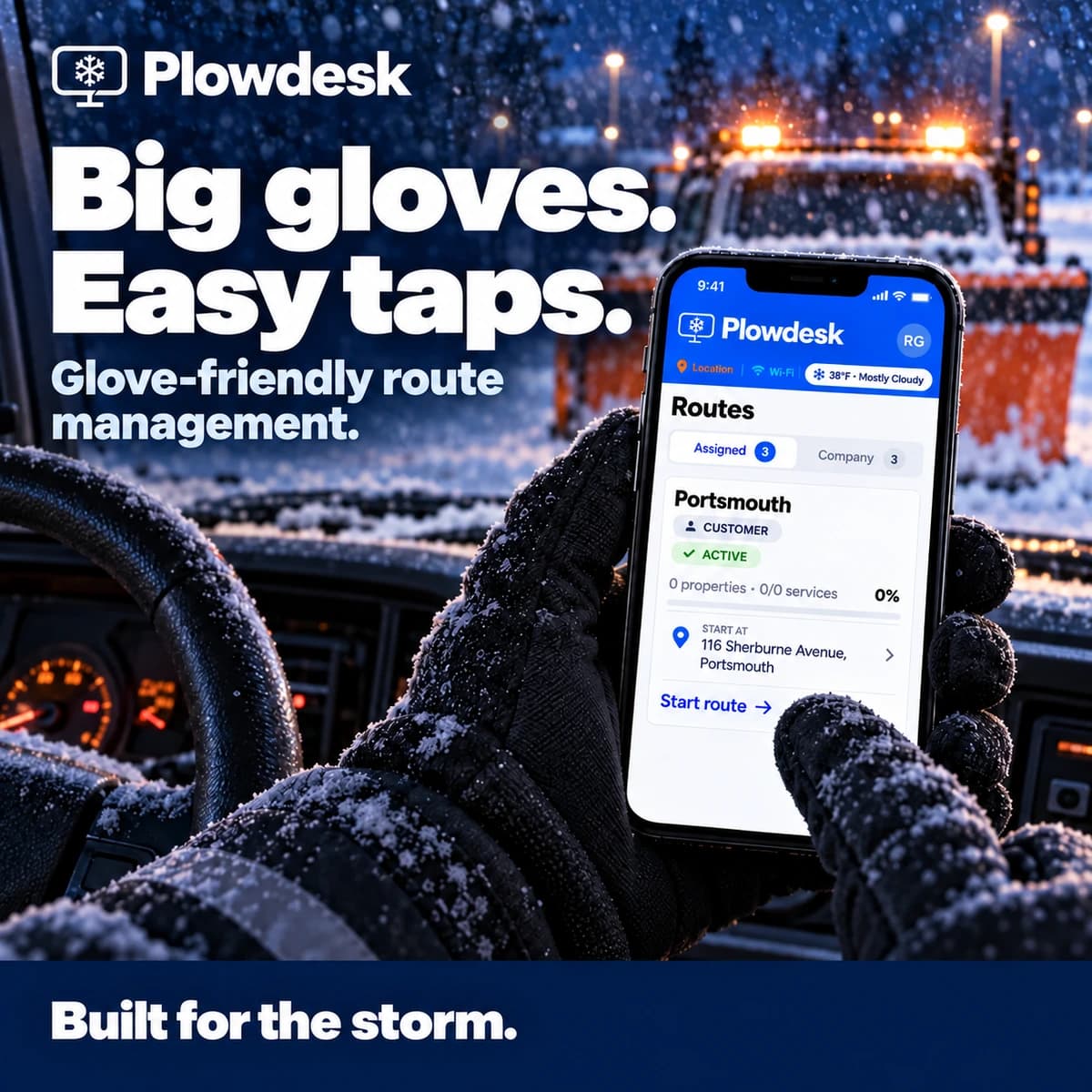
Snow plow route planning ↗Use a glove-friendly mobile app for field work, with shared routes and offline operation. Keep the workflow practical for the person behind the wheel.
Snow plow driver app ↗Bring route activity, site photos, service details, and time on site together. Review what happened when a customer asks about a completed stop.
Proof of service ↗Create quotes with seasonal, per-push, or tiered pricing. Collect online acceptance, manage invoices, and keep track of payments, including Venmo records.
Snow removal invoicing ↗Bring services, materials, and payment schedules into a quote your customer can review. Keep accepted terms connected to billing throughout the season.
Explore quotes and invoices ↗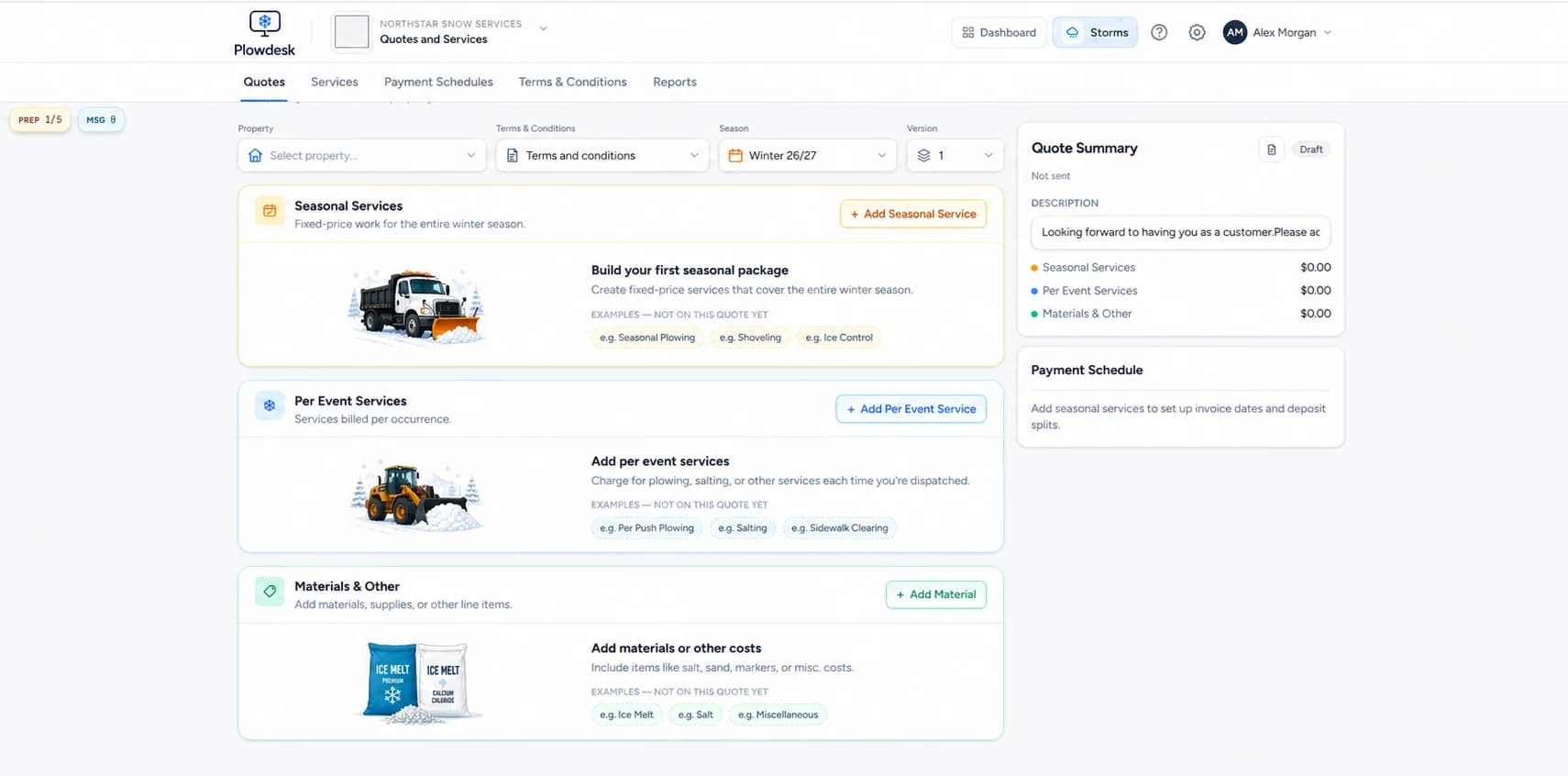
The free Operator plan includes up to three storm routes, unlimited users and customers, quotes, invoices, and service logging. The Contractor plan adds team management and automation for growing operations.
Compare current plans and pricing ↗Use one of your actual properties and a real customer agreement. Check what happens in the field, what the office receives, and what you need to do next.
Plowdesk supports shared storm routes. Review assignments and stop order before departure, then follow completion as connected devices send updates.
Review shared routingPrepare routes while connected. The mobile app supports offline field work, but new activity must synchronize after reconnection before the office or other drivers can see it. Test the actions and navigation maps your crew needs.
Check offline limitsReview available visit records, site photos, service details, and time on site alongside the customer agreement. Use those records when preparing reports and reviewing invoice charges.
Explore service recordsMap customers and services or materials to existing QuickBooks Online names, export invoice CSVs, then import and review them in QBOnline. This manual workflow does not synchronize payments or credits and does not support QuickBooks Desktop.
See QBOnline export stepsPlowdesk connects customer quotes, route planning, driver work, proof of service, invoicing, and payment records. Start with the part of your operation that needs more structure, then explore the connected workflow.
Yes. Plowdesk supports shared routes so multiple drivers can work from the same plan. The web dashboard shows crew locations and completion as updates arrive.
Plowdesk mobile supports offline field work. Prepare routes and assignments while connected; reconnect to synchronize new activity. Offline work does not provide live updates between disconnected drivers or guarantee offline navigation maps.
Yes. Open the video demo library to see Plowdesk in action. If you already have demo access, the link opens the recordings; otherwise, it takes you to the demo access page. You can also book a live walkthrough.
Explore the recordings or bring your routes, billing questions, and crew workflow to a live demo.