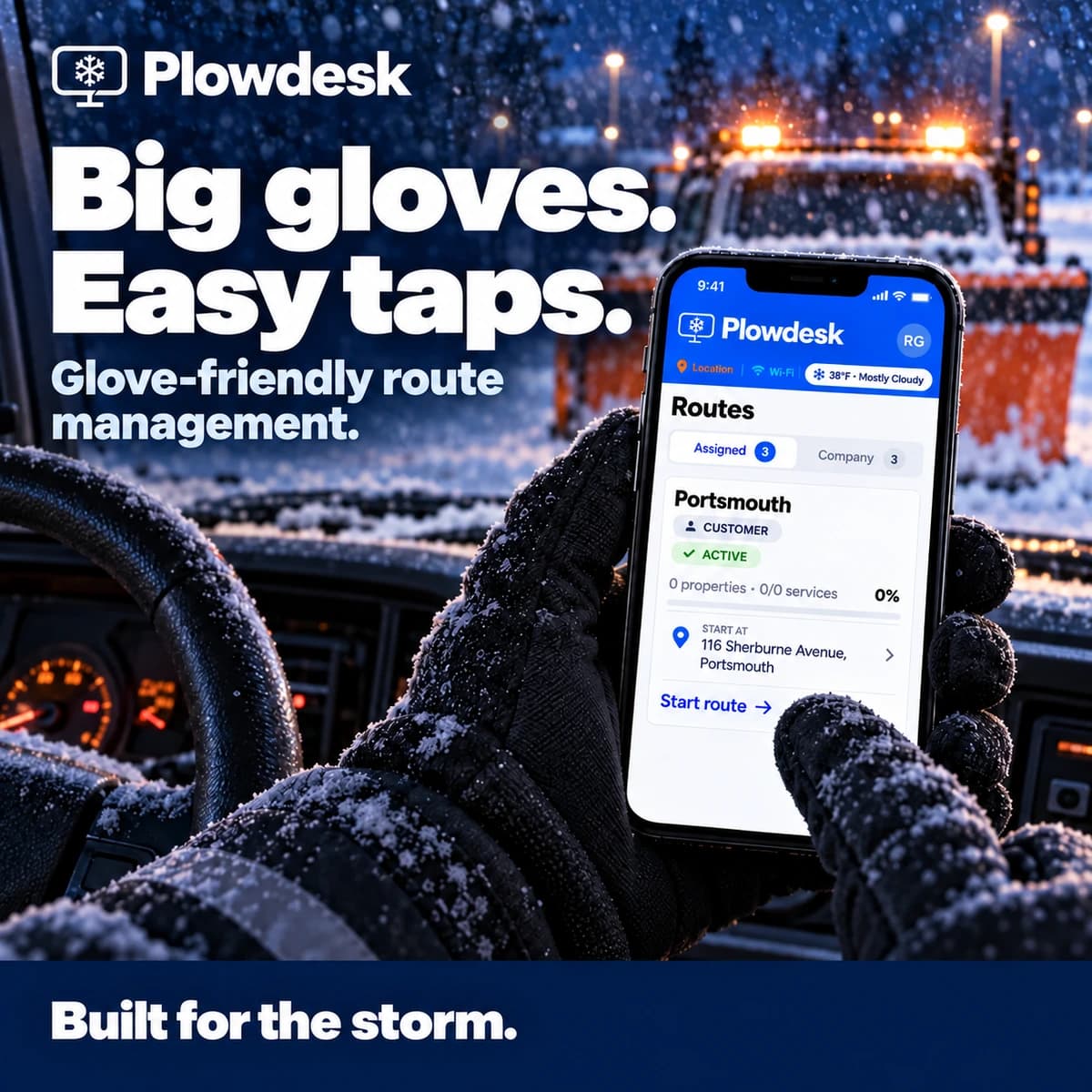
Big gloves.
Easy taps.
Glove-friendly route management gives drivers a focused workflow in the field. See how Plowdesk handles the work with gloves on.
 THE MOBILE APP FOR SNOW CONTRACTORSBook a demo
Give snow plow drivers a practical way to work through shared routes, record field work, and capture site photos. Plowdesk mobile brings glove-friendly controls and offline operation to the properties your crew services.
Already have an account? Download Plowdesk for your phone ↗
Plowdesk mobile is the iPhone, iPad, and Android companion to Plowdesk’s snow removal operations software. Drivers use shared routes, record field work, and capture site photos. The office reviews available visit records, prepares customer reports, and manages quoting and invoicing.
Get the official Plowdesk app on the Apple App Store or Plowdesk on Google Play. Sign in with your Plowdesk account and check the store listing for device requirements.
The free Operator plan includes unlimited users and customers, up to three storm routes, site photos and service logging, and quotes and invoices. See current plans and limits. Contractor’s unlimited storm routes apply to residential service; confirm commercial terms for your operation.
Before a storm, test the workflow on your crew’s devices and routes. Use a demo to review the specific offline actions your team needs.
After the route, connect photos and service records to customer reports, then review charges in Plowdesk billing and the manual QBOnline invoice CSV export.
Gloves on. Cell service out. A whole crew to keep moving.
Explore mobile software built for the way snow contractors work.
Glove-friendly route management gives drivers a focused workflow in the field. See how Plowdesk handles the work with gloves on.
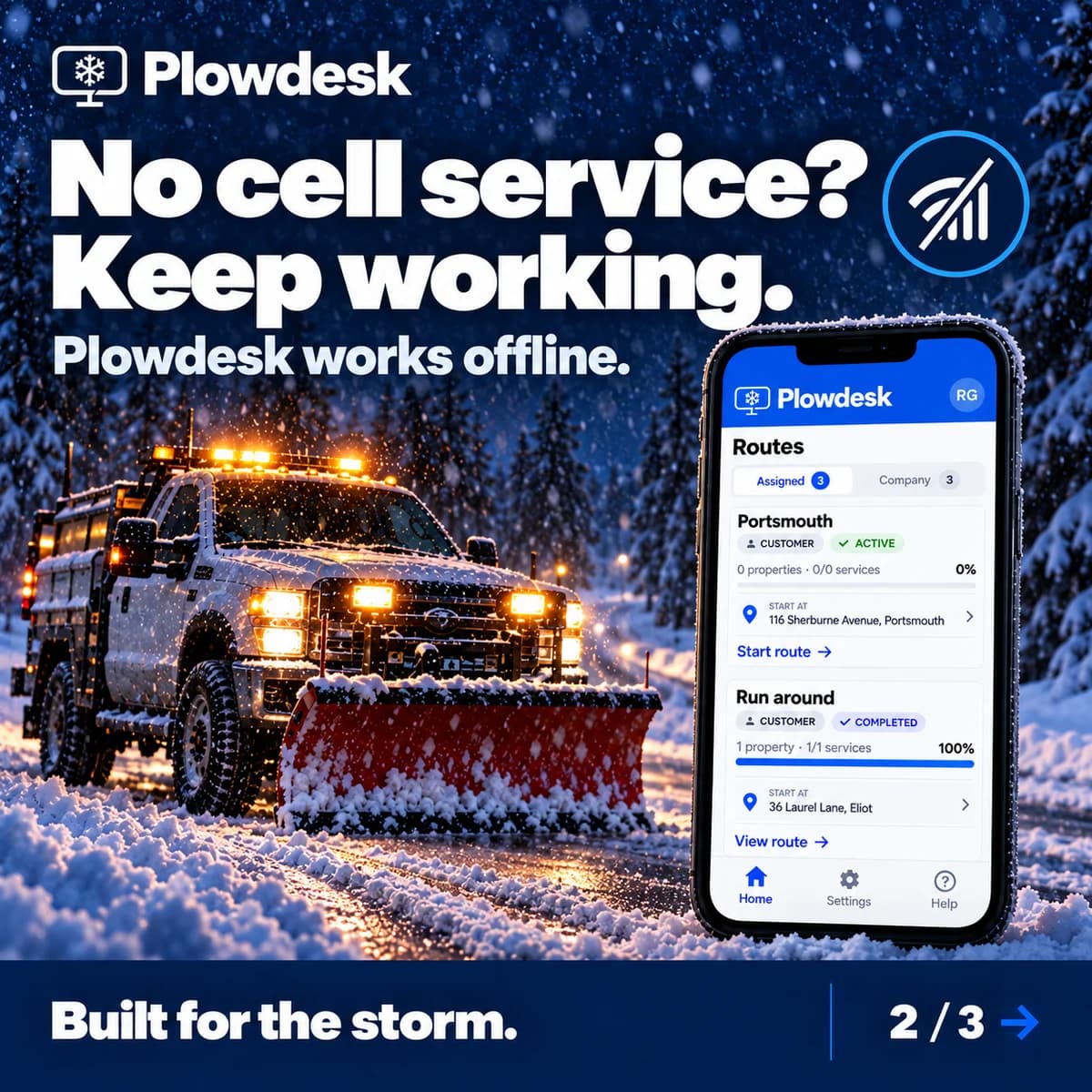
Plowdesk works offline. Get a walkthrough of the offline workflow and see how it fits the places your crew services.
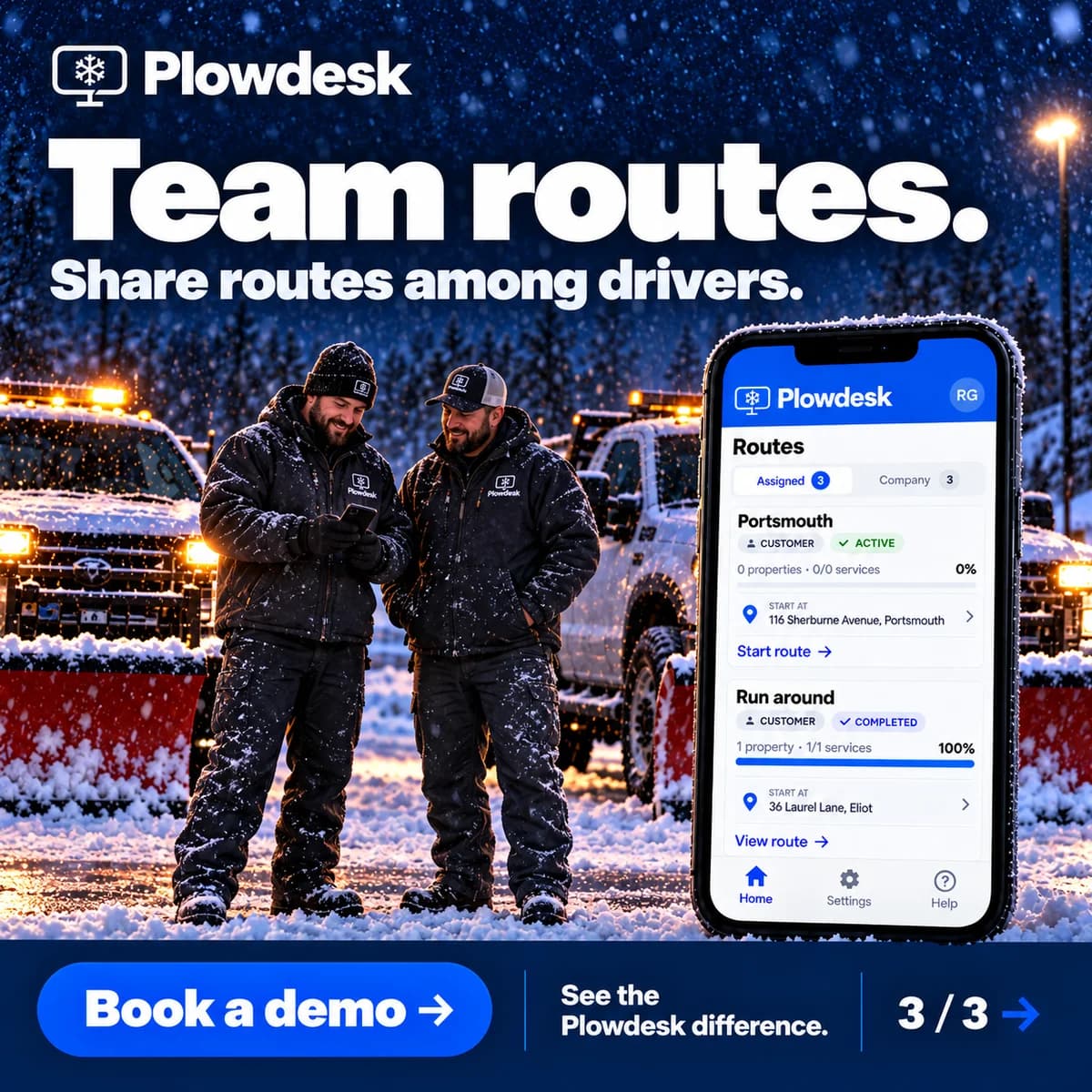
Share routes among drivers. See the team-route workflow in action and explore how Plowdesk fits your operation.
Bring your questions. We’ll walk through glove-friendly use, offline operation, and team routes with you.
Explore how routes, driver activity, service records, and billing fit together in Plowdesk.
Explore snow removal software ↗Keep the work at each property connected to the office. A shared route gives the crew its plan; recorded services and photos help explain what happened during the visit.
Use snow removal route planning to organize the properties your crew will service. Open the app and review your route while connected before entering areas with poor coverage.
Work through the route and record the services performed. Capture job photos on the phone so the office has visual context tied to the property.
Give field updates time to reach the office when connectivity returns. Review available service times, photos, and recorded work when preparing snow removal proof-of-service reports.
Check the work behind each charge against the customer’s agreement. Continue in the snow removal invoicing and QBOnline export workflow when the office is ready to bill.
Plowdesk supports offline operation for field work. Prepare while connected and reconnect to share updates. The office needs those updates before it can review the latest activity; check your crew’s offline workflow during a demo rather than assuming every screen is available without a connection.
Use the Plowdesk app linked from plowdesk.com/download: Apple App Store ID 6747773926 for iPhone and iPad, or Google Play package com.plowdesk.app for Android. Sign in with your Plowdesk account. These listings identify Plowdesk specifically; features of similarly named snow apps do not describe Plowdesk.
No. Shared routes do not provide live communication between disconnected phones. Prepare the route and crew assignments while connected. Drivers can continue supported offline field work, but new activity must synchronize after reconnection before other drivers or the office can see it. Coordinate who handles each property before entering a coverage gap.
Plowdesk mobile helps snow plow drivers and crews work through shared routes and record field work. Job photos and service activity give the office context for customer service reports and invoice review.
Plowdesk supports offline field work. Prepare your routes while connected before heading into areas with poor coverage, and reconnect to share updates with the office. Offline operation does not mean the office can see new activity live while the phone has no connection. Use a demo to review the offline workflow for your crew.
Yes. Plowdesk supports shared routes among drivers. The office plans the routes and crews use the mobile app in the field. Review the team-route workflow with your crew so everyone understands the properties and work assigned to them.
Yes. Crews capture job photos on the phone. The office can review available photos and visit details on the website when preparing a customer service report. Keep photos associated with the correct property and review them before sharing the report.
Use Plowdesk's download page to choose the Apple App Store for iPhone or iPad, or Google Play for Android. Install the app and sign in with your Plowdesk account. Review the current store listing for device compatibility.
Field activity gives the office a record of the work behind a service charge. Review that work against the customer's agreement before invoicing. Plowdesk's website handles the quoting and billing workflow, including invoice CSV export for QuickBooks Online.
Choose the Apple App Store or Google Play, install the app, and sign in with your Plowdesk account.