Your stops.
Your sequence.
Create routes around your customers, crews, and service priorities. Keep the order you choose, or use route optimization when it helps. The decision stays with you.
 YOUR ROUTES. YOUR CREW. YOUR CALL.Book a demo
Plan snow plow routes around your properties, service priorities, and crew. Save storm route templates, share stops across drivers, and track completion from one web dashboard.
From the first stop to the last check-out. Keep everyone moving together.
North route · 2 drivers · 8 of 12 stops complete
Illustrative route view. Example drivers, stops, and times.
Build a route that fits your priorities, then put it to work when the snow starts.
Create routes around your customers, crews, and service priorities. Keep the order you choose, or use route optimization when it helps. The decision stays with you.
Save route templates that trigger when you create a storm. Start with the plan you’ve already built instead of rebuilding your routes for every event.
Let multiple drivers work the same route. Keep the crew working from a shared plan and follow completion as everyone moves through the stops.
Use the web dashboard to see live crew locations and work completion. Get a clearer picture of the route without calling every driver for an update.
Book a demoFollow crew locations and see which stops are complete as the storm progresses.
Track time spent traveling the route and servicing properties. Understand where the hours go and use those details to inform route planning and job costing.
Keep a record of route activity tied to the storm. Look back at the work, review service history, and answer questions after the event.
A snow route is more than a list of addresses. Build the plan around the properties you serve, the order they need attention, and the crew doing the work.
Create routes around your customers and service priorities. Consider nearby stops, property access, and the work each location needs.
Keep your chosen sequence or use route optimization when it helps. Check the result against your service commitments and local knowledge.
Save route templates and use them when creating a storm. Review the crew and stops for that event, including routes shared by multiple drivers.
See completed stops and crew locations from the dashboard. Review travel time, time on site, and service history after the storm to inform the next plan.
Planning decides which properties belong on a route and how the crew will service them. Optimization helps with stop order. Plowdesk lets you use both while keeping control of the sequence. Snow conditions, access, and customer priorities still need your judgment.
Connect your route plan to the driver mobile app, keep proof of completed service, and review snow removal invoicing. For the business side of route planning, see how to price a snow removal route.
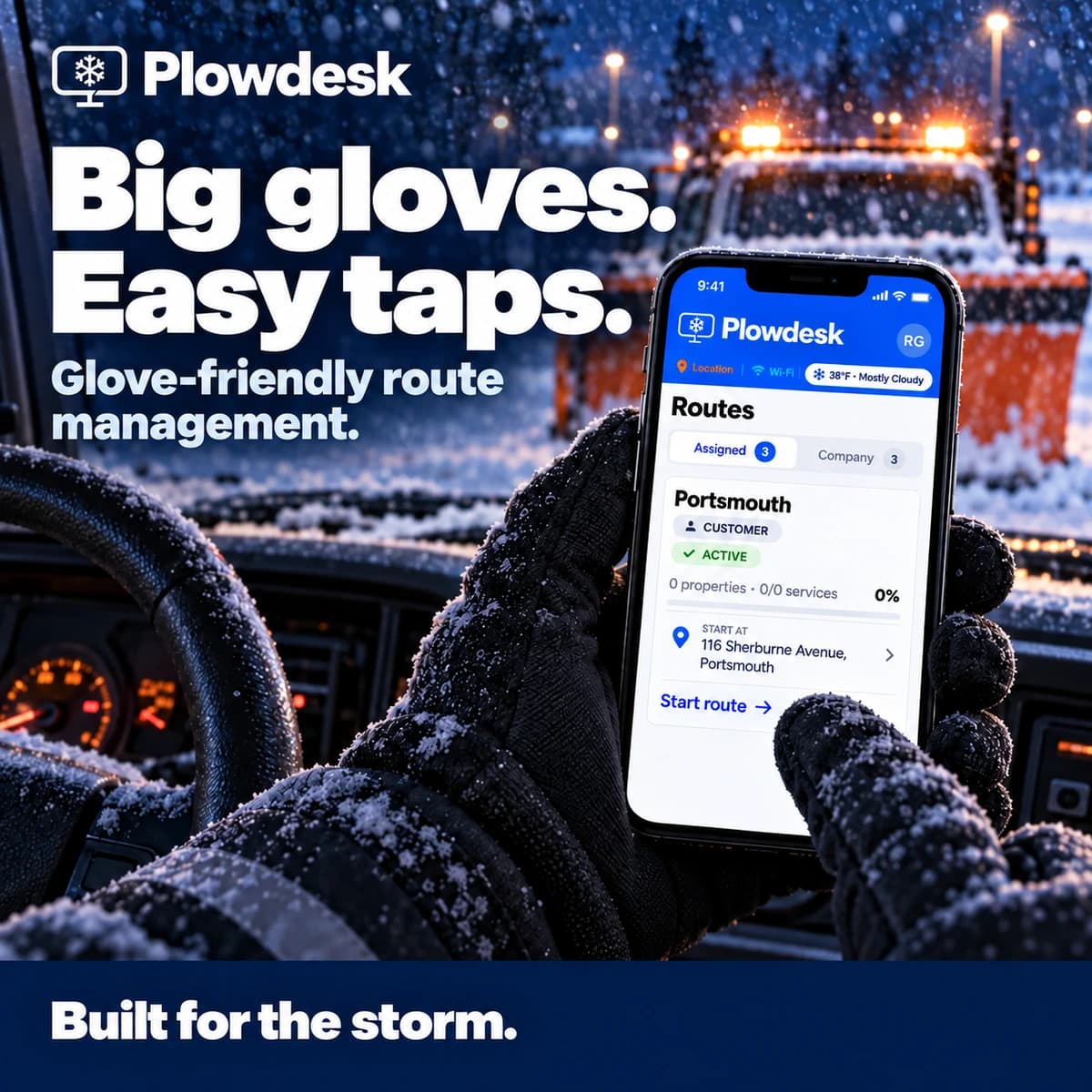
Your drivers need a clear, practical way to work through the route. Plowdesk’s glove-friendly mobile app puts route activity, service logging, and event tracking in their hands.
Keep the field connected to the office, and keep the record moving with the work.
Explore Plowdesk mobile See proof of serviceA snow plow route planner organizes service properties into routes for your crew. Plowdesk combines stop planning with reusable storm templates, shared routes, and completion tracking, so the office can follow the work as drivers service each property.
Yes. Keep the sequence you choose, or use route optimization to help order the stops. Review the plan against your service priorities and what you know about the properties before sending the crew out. Route optimization is a planning aid, not a guarantee of the fastest route in winter conditions.
Yes. Plowdesk supports shared routes, so multiple drivers can work from the same plan while the office follows completed and remaining stops. A shared route helps you see progress without relying on separate paper lists.
No. Save storm route templates and use them when you create a storm. Reuse the plan you have already built, then review the stops and crew assignments for that event.
Drivers record work in the mobile app, while the office reviews route activity, time on site, and service history. Plowdesk also provides proof-of-service and invoicing tools, helping you move from the storm's work to customer billing.
See flexible routing, storm templates, shared routes, and live tracking in one walkthrough. Bring the way you work—we’ll show you how it fits.
Explore how routes, driver activity, service records, and billing fit together in Plowdesk.
Explore snow removal software ↗